
Meta Ads - Marketing Automation
With CDP or Predictive AI Licence, see this page instead
Provided by: Splio
Connector type: Destination
Third-party system: Ads
Required license: "Marketing Automation"Early access - Reach out to your Splio contact to enable it on your account
Setup Process
Configure the Meta connector in MA
-
In Splio, navigate to Settings > Integrations > Meta Ads
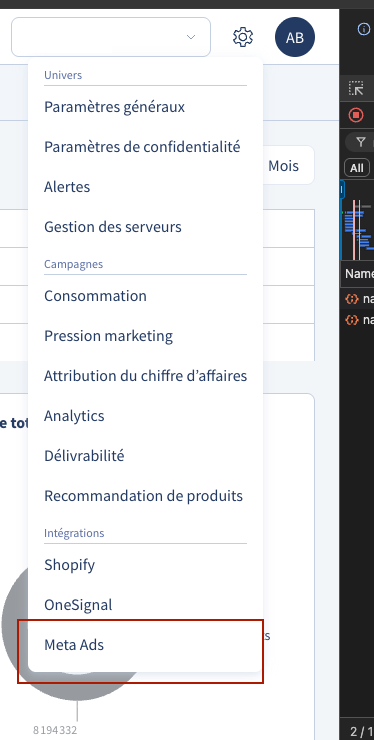
-
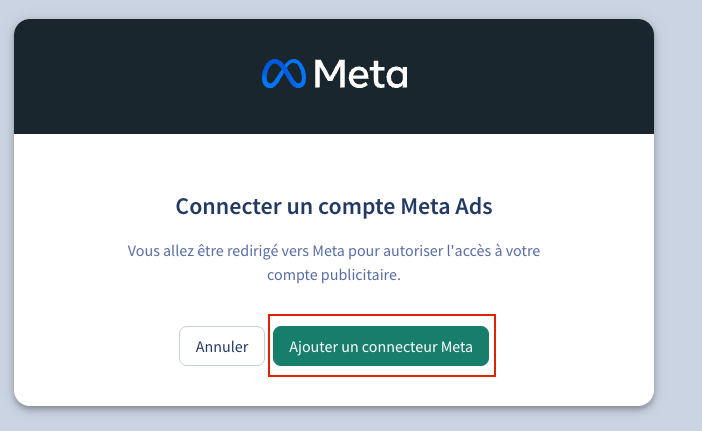
Click "Add a Meta Connector"

-
A dialog will open. Click "Add a Meta Connector" to start the OAuth flow
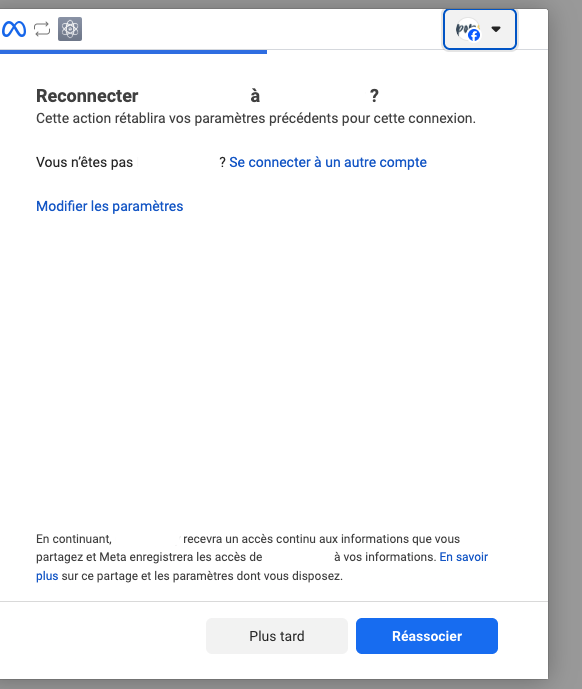
- Authorize Splio to access your Meta account
-
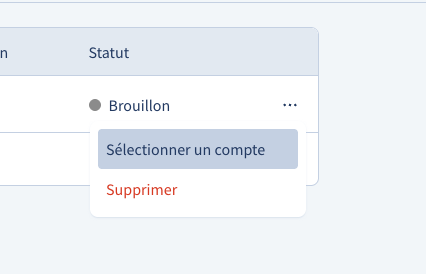
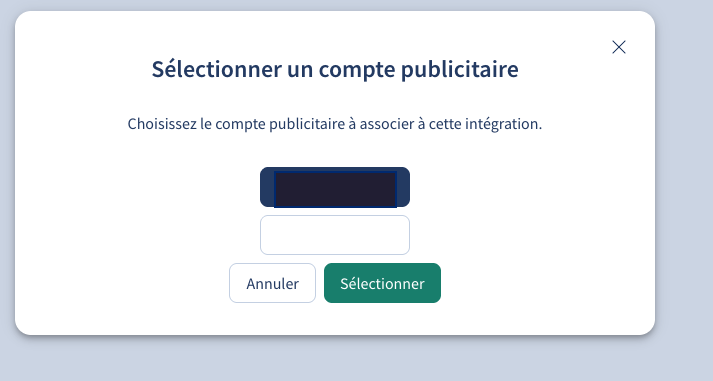
Back in Splio, click on the connector's menu

-
Select "Select an account".
-
Choose the ad account to associate with this integration
-
The connector is now active and ready to use

Splio Meta connector usage
Once the setup is complete, you can export audiences to Meta directly from Splio.
Meta matches profiles with the hashed email addresses and phone numbers provided through the connector to find users you can advertise to on Facebook, Instagram, and Audience Network.
ℹ️ No personal data is shared between Splio and Meta. All identifiers are hashed (SHA-256) before being sent.
Exports
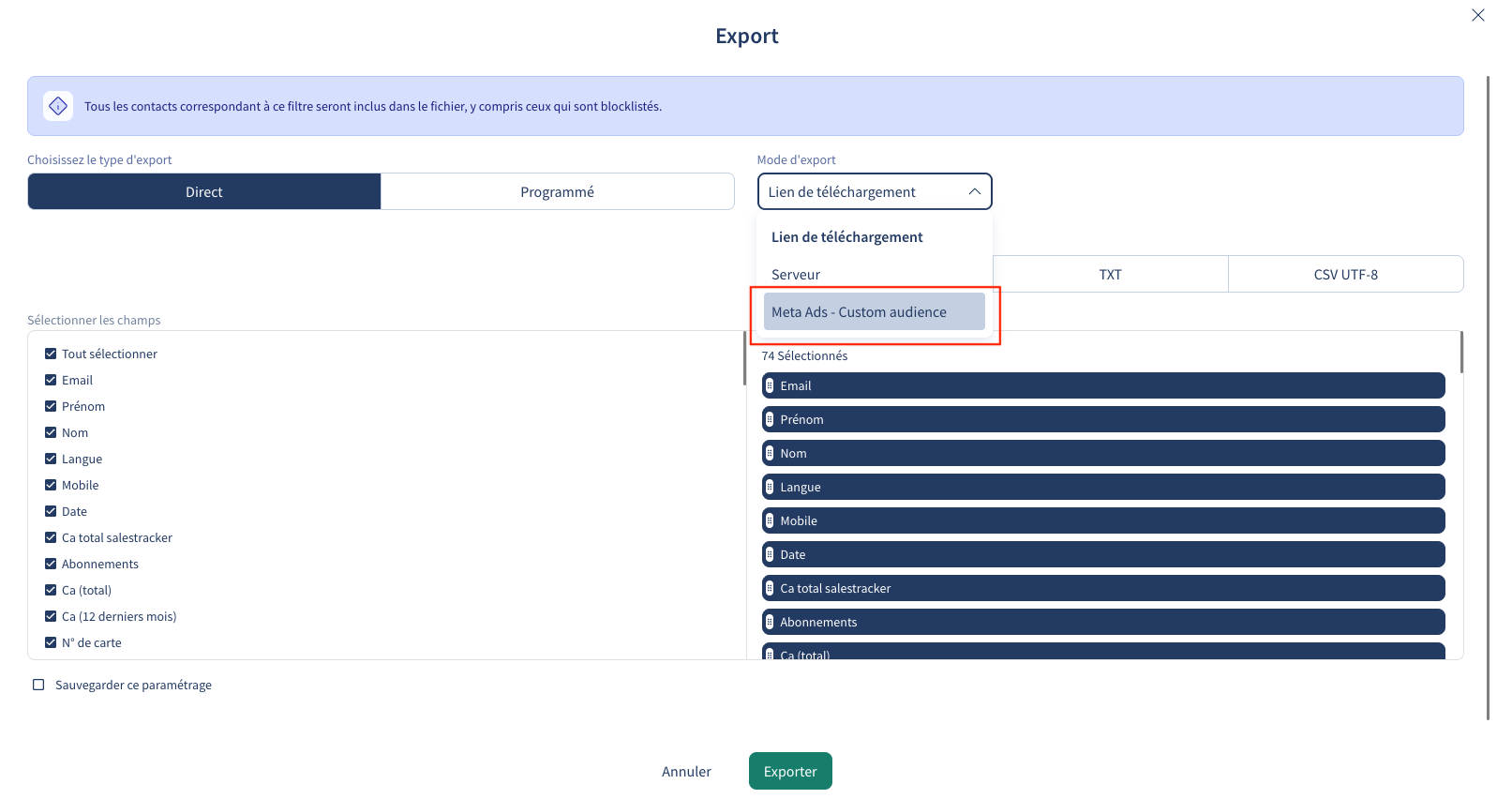
- In the export modal, select "Meta Ads - Custom audience" as the export mode."
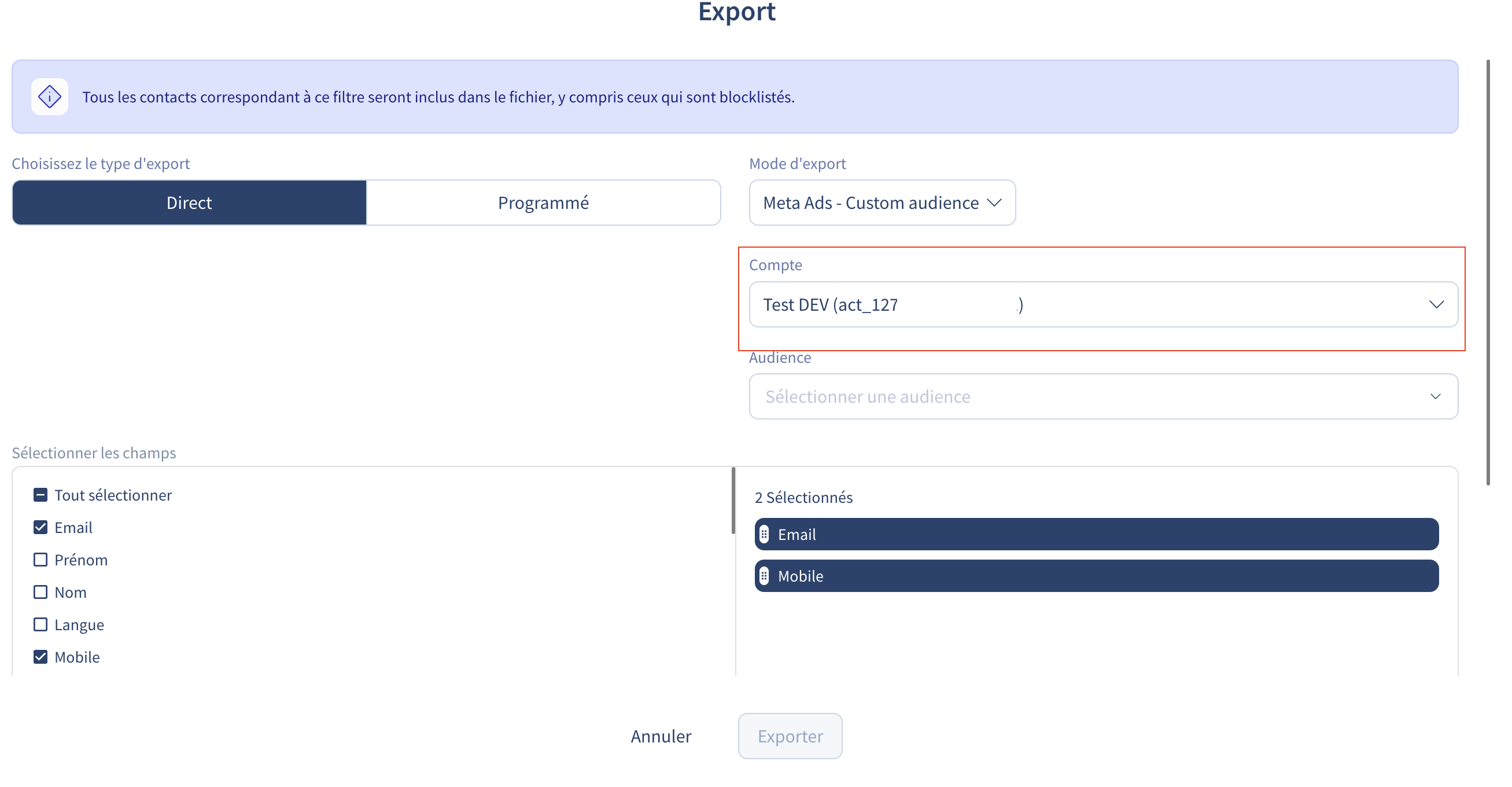
- Select an Ad Account. If you only have one, it will be pre-selected
- Select an existing audience or create a new one
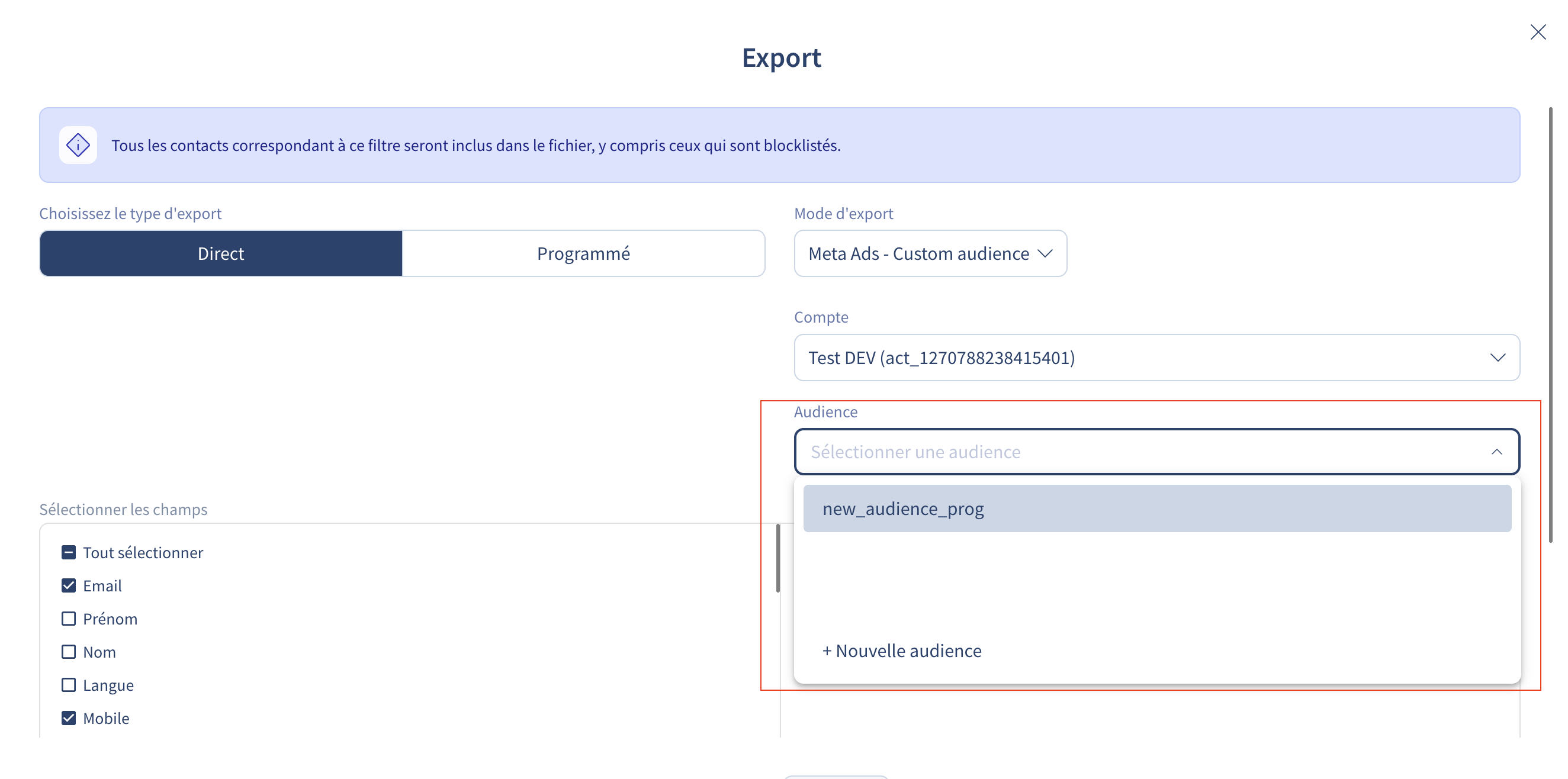
- To create a new audience, enter the audience name. It will be created automatically on Meta
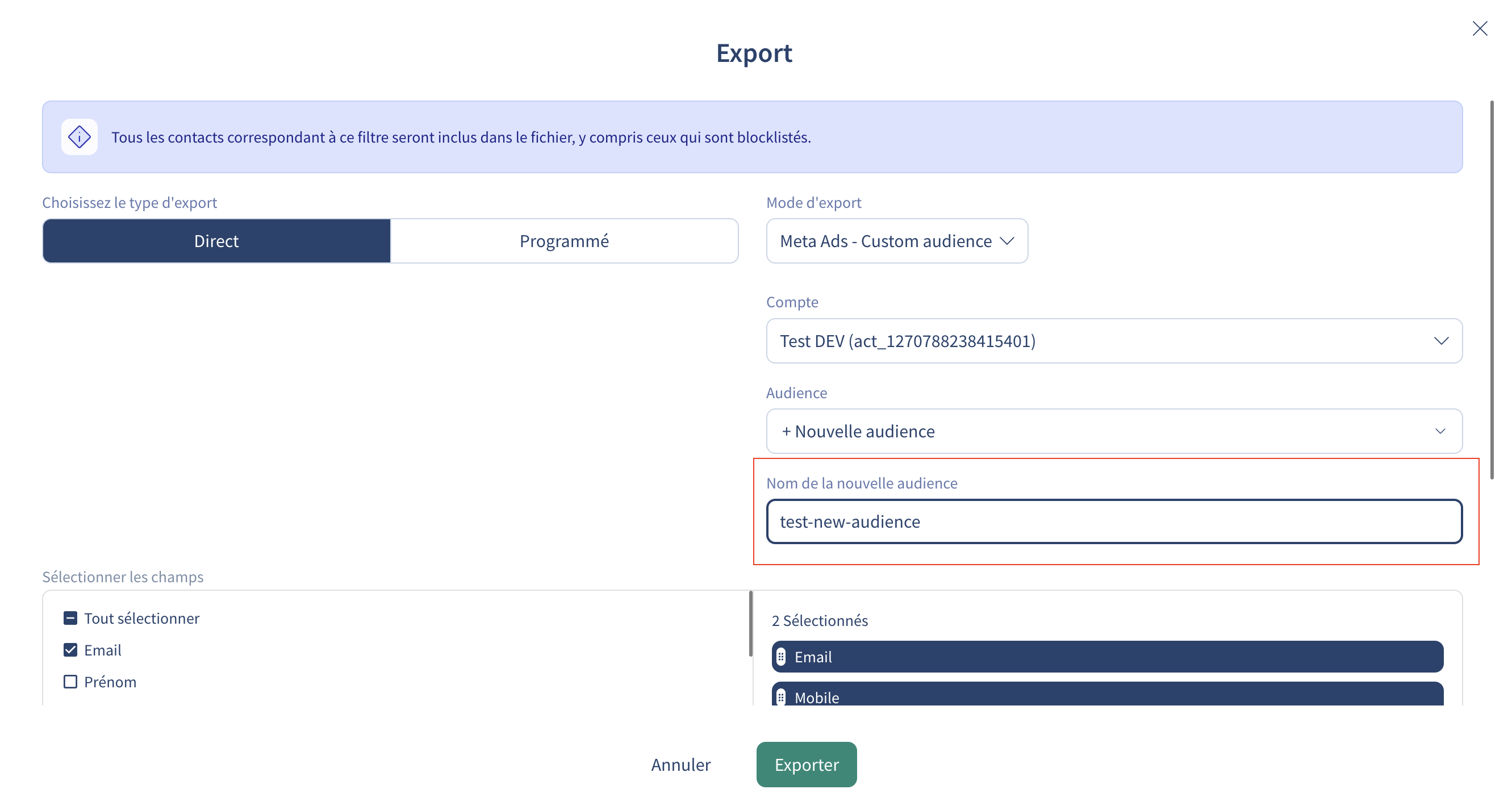
- Choose the update mode
You'll have to choose between 2 update mode : 
- Append - Adds contacts to the existing audience without removing previous members. Uses Meta's
POST /audience_id/usersendpoint. - Replace - Atomically replaces all audience members with the new contacts. Uses Meta's
POST /audience_id/usersreplaceendpoint.
Troubleshooting
Synchronisation delay
Sync to audiences are not immediately available in Meta Ads Manager and can take up to 72 hours after Splio has finished sending audience updates for them to be available. This is due to a delay in Facebook accepting and processing customers from Splio.
Updated about 2 months ago