
Authentication
This article explains how to authenticate using your Splio universe API key.
Recommendations:
- We recommend to use an API key per system (e-commerce, PoS, PIM, Customer Reviews...) and make it very explicit to help in any investigation. For example, if you have 2 PoS systems used in your retail stores, create an API key for each system.
- Do not authenticate for each API call you are making.
- An JWT authentication token will last 24 hours so we recommend refreshing the token daily.
- Never communicate your API key (even to our Customer Care team), the last 3 characters will suffice if we know the universe).
Obtaining the API key in your Splio universe admin
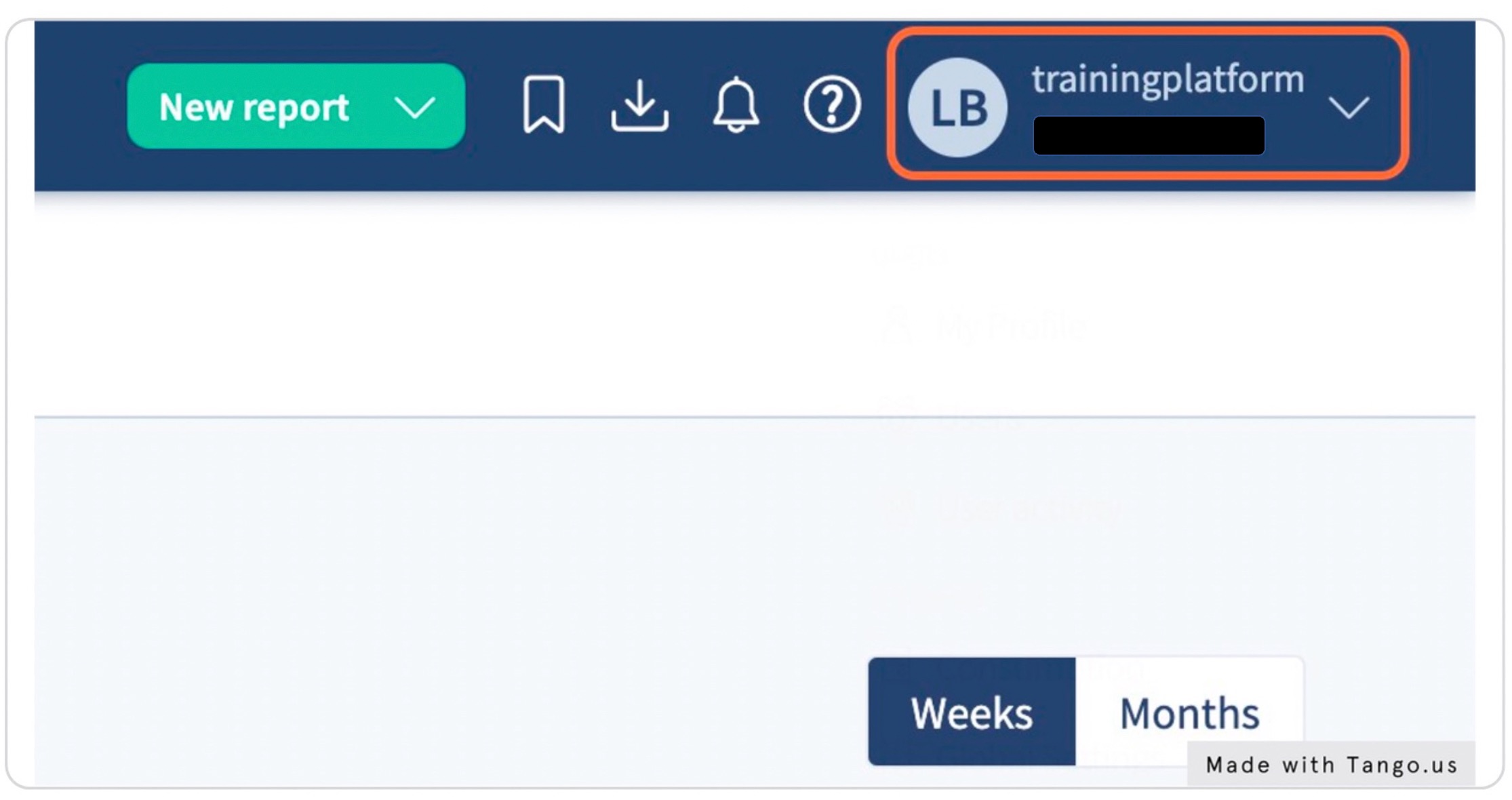
Step 1 - click on your profile
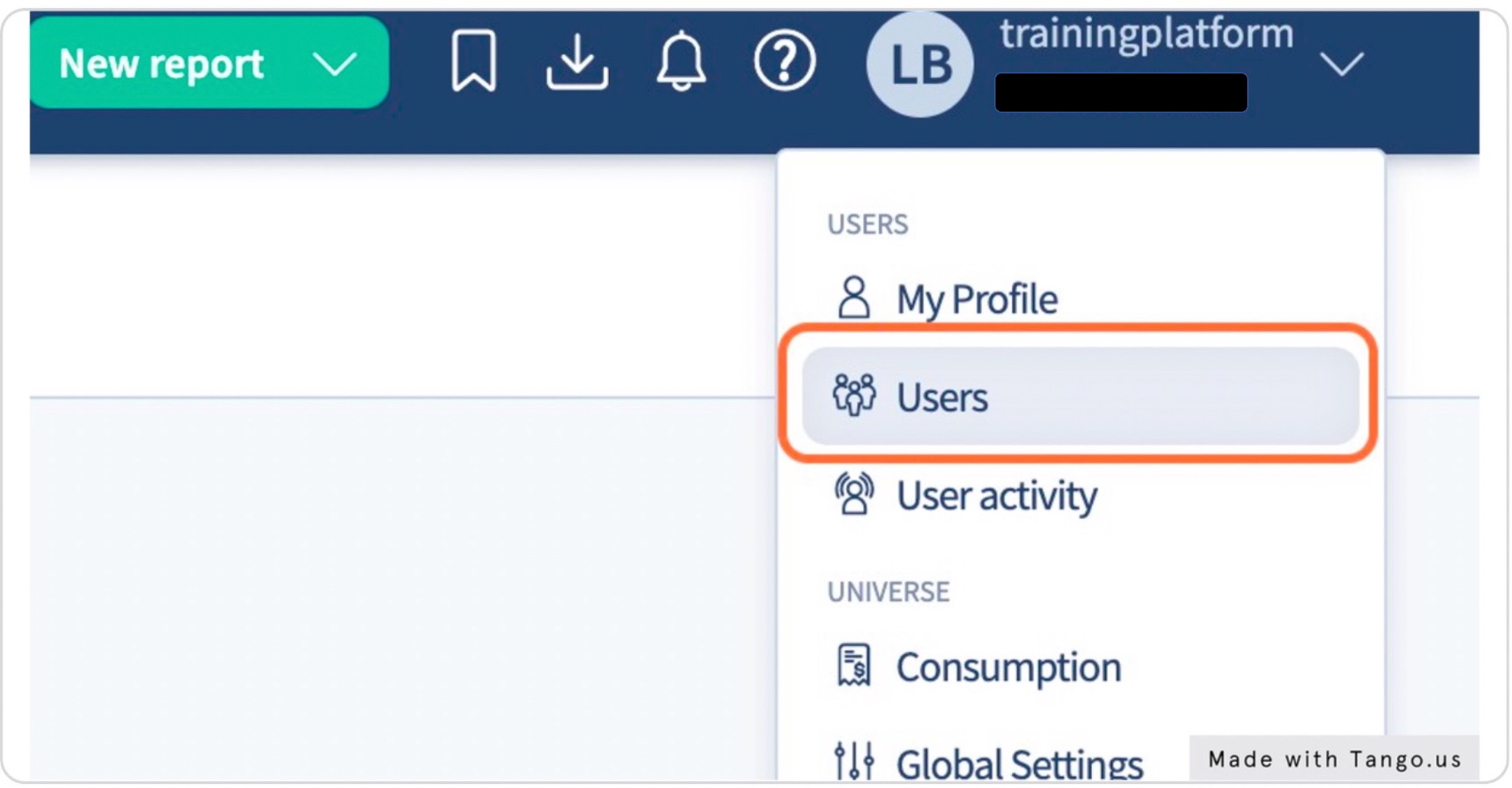
Step 2 - click on users
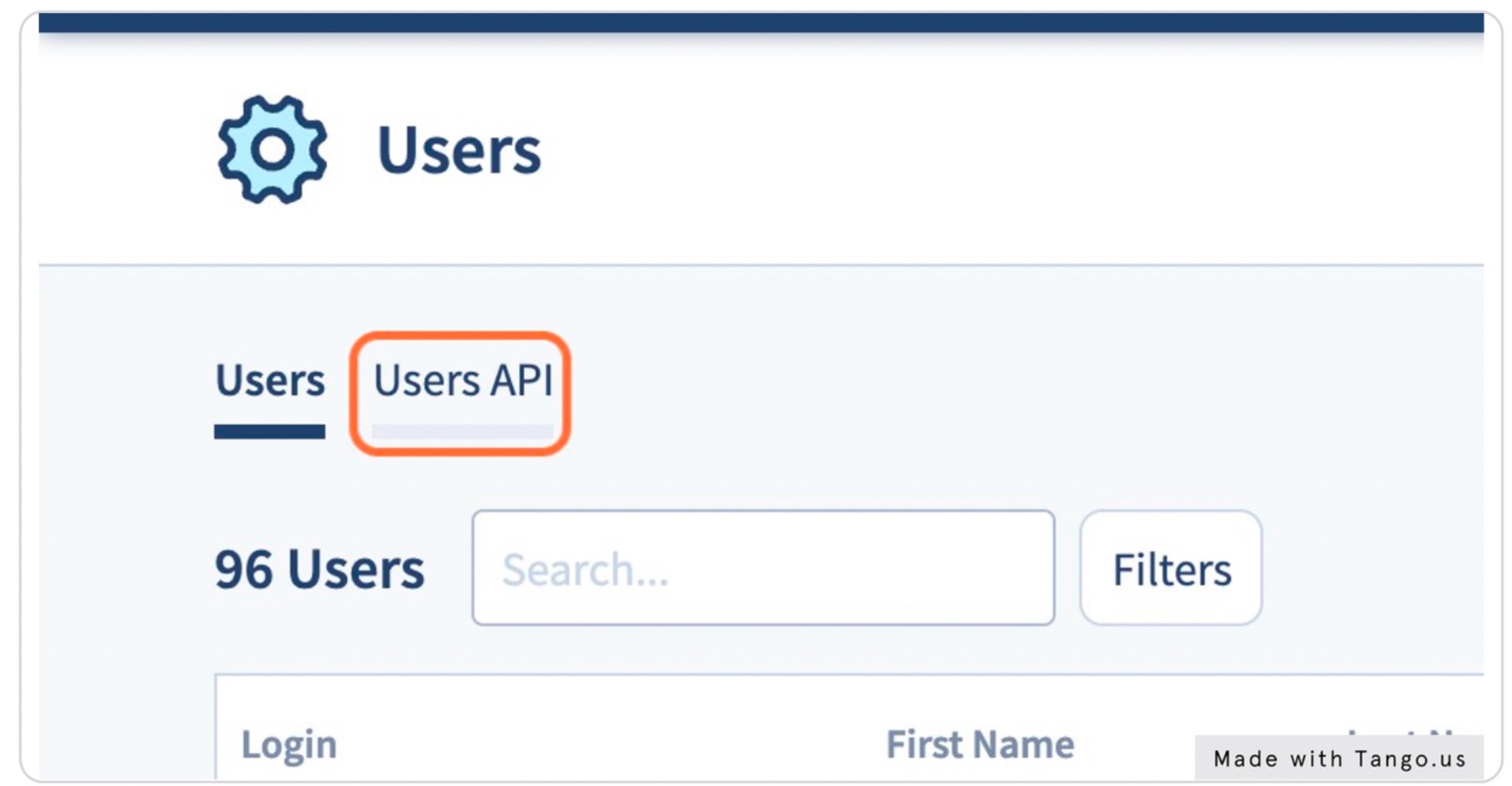
Step 3 - click on Users API
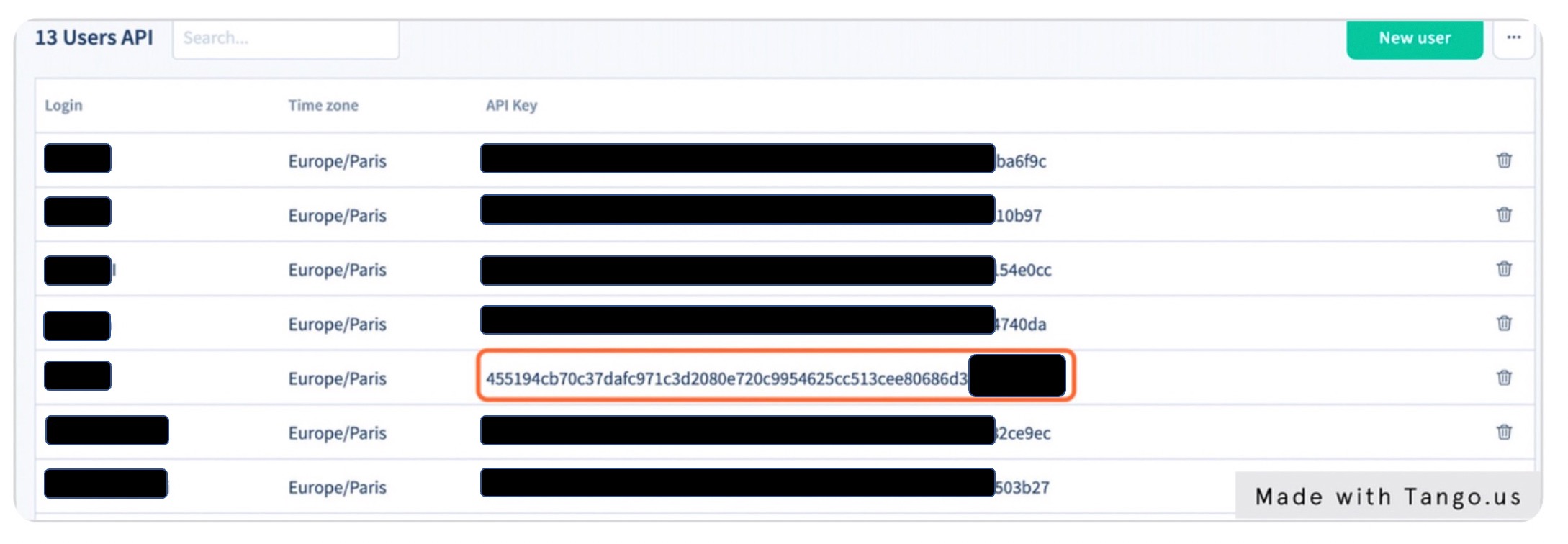
Step 4 - select the user and copy the key
This token will then be found in all API calls you do afterward.
Authenticating using developer.splio.com
Step 1 - go to Splio API doc
Step 2 - click on Post - Authentication
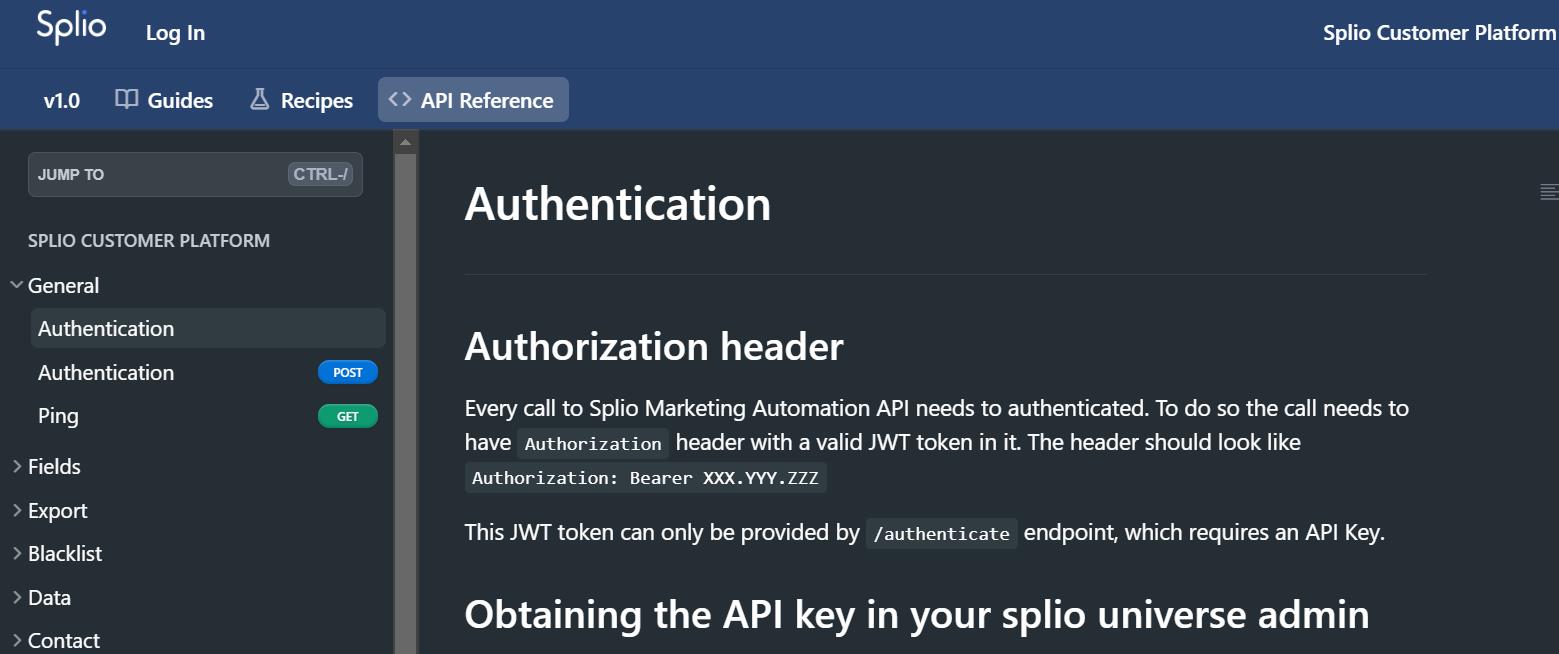
Step 3 - paste the API key into the relevant field
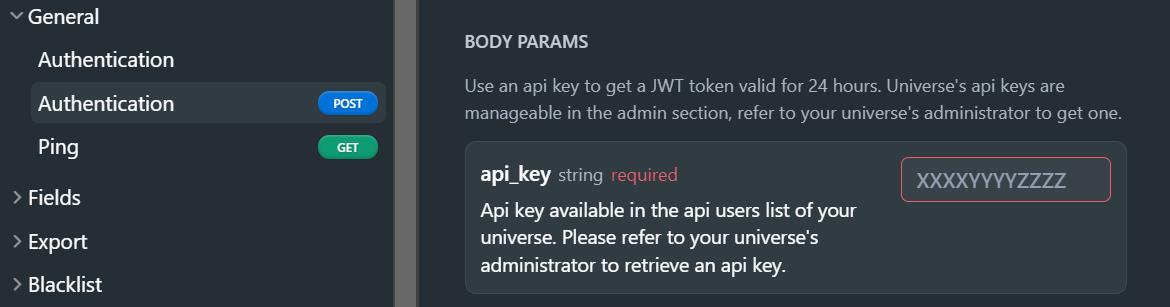
Step 4 - click on Try it

That's it! You are now authenticated!
Updated about 2 months ago
Did this page help you?